Report a local problem in under a minute
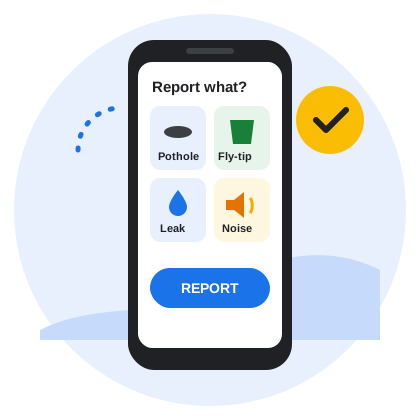
Tap what is wrong, take a photo, press Report. Area Watch works out whether it is the council's, the water company's or the electricity network's job, files it with them in your name, and gives you the reference number.
Three steps
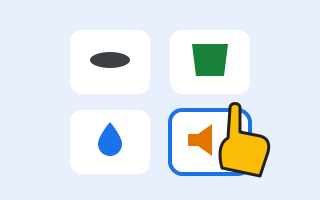
1 Tap what is wrong
Potholes, fly-tipping, a leak in the street, noise next door — about thirty everyday problems, each a big button.
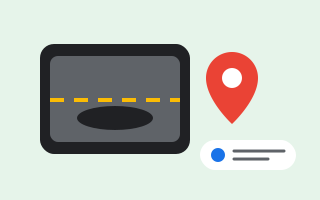
2 Photo, place, a few words
Your phone gives the location. Say what you see or type it. Photos are cleaned of hidden data before they leave Area Watch.
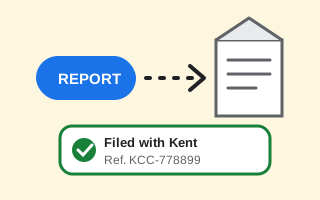
3 Report, and get the reference
Area Watch sends it to the right organisation and tells you when it has been filed, with their reference, under My cases.


Who gets your report
In England, a pothole is the county council's, a dumped mattress the district's, a burst main the water company's and a damaged substation the network operator's. You should not have to know that. Area Watch looks your location up and picks the right one.
Your details stay on your phone
Your name, address and account numbers are kept on your phone. When a report needs one — a missed bin needs your address, a noise complaint your name — the app asks first and sends only that, encrypted, to the organisation dealing with it.
Seen something that needs fixing?
The Android app is in testing. It will be on Google Play first; an iPhone version follows.
Area Watch is not an emergency service. If anyone is in danger call 999; for a gas smell 0800 111 999; for a power cut 105.